Keybumps App
Search, clipboard history, screenshots, on-device dictation, and more Mac utilities in one keyboard-first native macOS app.
Keybumps is a native macOS app from SERP that brings quick search, clipboard history, screenshots, dictation, window management, and other Mac utilities into one keyboard-first app. Instead of installing a launcher, a clipboard manager, a text expander, a dictation app, a window manager, a screenshot editor, a menu bar timer, an emoji picker, and a translator one by one, you turn on the Keybumps plugins you want and reach all of them from one Command Palette. It runs on your Mac with no account.
Keybumps Overview
Everything starts from the Command Palette. Press ⌘ Space in any app to open it on Quick Search, its first tab, then jump to another tab with ⌘1 to ⌘8: Clipboard, Screenshots, Dictation, Snippets, and Timers, plus Emoji and Translate once their plugins are on. Type, then press Return to open the app or file, copy the item you found, or press ⌘P to paste it into the app you were using.
Each plugin does one job. A plugin you turn off stops its shortcuts and background work, and every shortcut can be changed in Settings, where some start unassigned until you pick one.
Plugins
- Quick Search opens apps, files, and folders from the keyboard.
- Clipboard History keeps your 50 most recent copies, text and images, searchable from one shortcut (⇧⌘ Space). It shows the app each copy came from and the website's domain when the browser provides it, gives you the image itself when you copy an image file in Finder, and collects the screenshots you take.
- Dictation turns speech into text in any app. Press ⌥ Space, speak, and press it again, and your words appear where your cursor was. Speech is transcribed on the Mac, every recording is kept in Dictation History to search, replay, and copy, and on macOS 15 or later you can translate what you said and hear it read aloud. Recordings stop after 5 minutes by default, and the limit can be raised or removed.
- Window Manager sends a window to a half, a third, a sixth, a fourth, or a corner, maximizes, centers, resizes, or restores it, and moves it to the next or previous display, with 30 window commands in all. You can also drag a window to the top, a side, or a corner to snap it.
- Screenshot Tools captures an area or every screen and lets you blur, redact, draw, and add arrows and text. Screenshot Screen and Edit copies only when you save, so nothing unredacted reaches the clipboard, and your screenshots appear in their own tab as large thumbnails.
- Snippets saves text you reuse so you can paste it from the Command Palette, or, with keyword expansion on, type a short keyword such as
;shipin any app. Sensitive snippets stay hidden and out of search, and an Alfred snippets export can be imported. - Shortcut Coach shows you the keyboard shortcut when you do something by hand.
- Timer counts down from a duration and tells you when it ends, with options to turn off the ringing, the menu bar countdown, or the menu list.
- Emoji Picker finds any emoji by name and pastes it where you are typing, with one skin tone setting for every emoji that has one.
- Translation translates what you type, then copies it or pastes it where you are typing.
How People Use It
The site shows the same app set up for different kinds of work. For writing and editing, you keep the quotes and links you collect in Clipboard History, save sign-offs as snippets, and dictate a first draft. For software development, you paste a command you copied an hour ago, put the editor and browser side by side, and capture a bug with the secrets blurred. For customer support, you answer common questions with saved snippets and send marked-up screenshots. For studying and research, you dictate notes, keep what you copied from your sources searchable, and time focused sessions with a menu bar countdown.
Pricing and Requirements
Keybumps is a one-time purchase of $49 for one Mac, with no subscription. The license includes every plugin and all future updates, needs no account, has no cloud sync, and comes with a 30-day money-back guarantee. Payments are processed by Polar, the merchant of record, and the license key arrives by email; to move Keybumps to a new Mac, you deactivate it on the old one and activate it on the new one.
Keybumps needs an Apple silicon Mac running macOS 14.2 or later. The Translation plugin and translating dictations need macOS 15.

Related

AI-powered conversational surveys that collect customer feedback and turn it into organized, actionable insights.
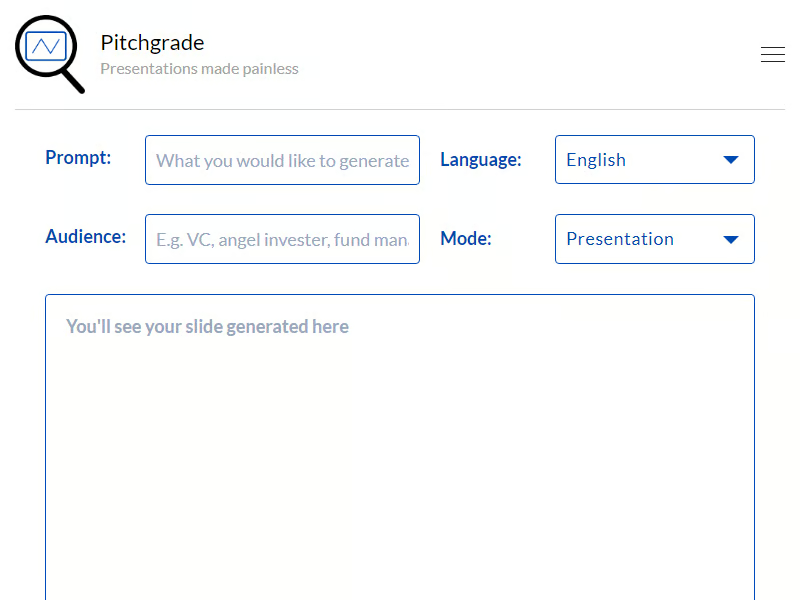
AI Transforms Presentation Creation with Pitchgrade

Glimmer Revolutionizes Presentation Creation with AI-Powered Automation

DiagramGPT Revolutionizes Technical Diagramming with AI-Powered Automation

GenForge's AI Transforms Documents into Actionable Insights

Call My Link's AI Transcribes and Summarizes Meetings with Personal URLs