
LinkedIn Downloader
That viral thought-leadership post with the perfect carousel? It'll be buried in your feed by tomorrow. Save LinkedIn posts and videos before the algorithm moves on.
Overview
You bookmark a LinkedIn post with a brilliant framework, a carousel that nails your industry problem, or a video from a conference keynote. Two days later you scroll back to find it and it is gone — reshuffled by the algorithm, deleted by the author, or lost in a sea of engagement bait. LinkedIn does not offer any native way to export posts, carousels, or videos to your device.
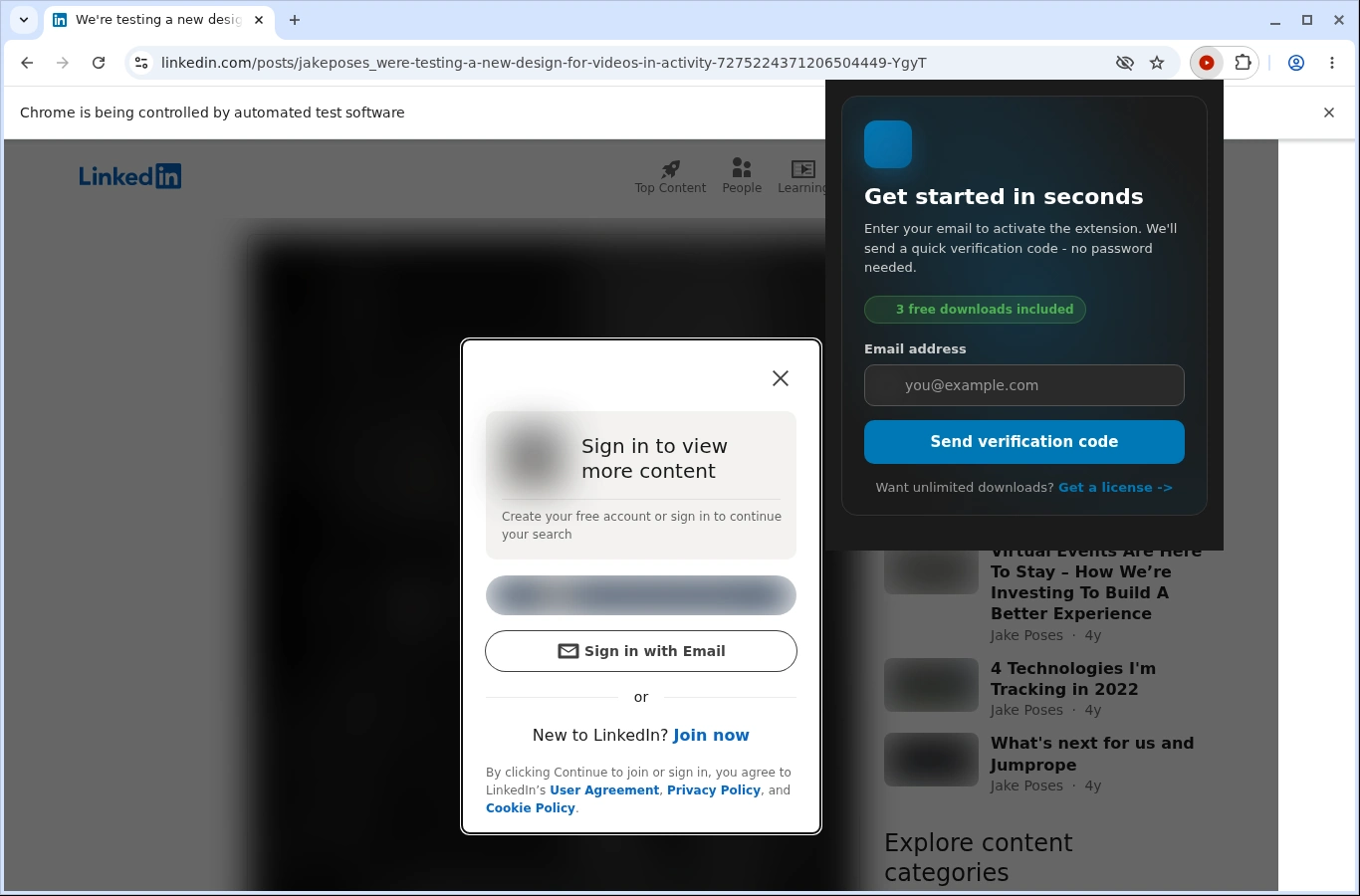
LinkedIn Downloader fixes that gap. Navigate to any public or connection-visible post on LinkedIn, click the extension icon, and save the content directly to your computer. Videos download as MP4 files at the highest available resolution. Image carousels and document posts save as individual files so you can reference them offline during meetings, presentations, or research sessions.
The extension reads LinkedIn's player and post metadata from the page you are viewing, identifies available media, and lists your download options with estimated file sizes. Everything runs locally in your browser using your active LinkedIn session — no credentials are stored, no data is sent to external servers, and no third-party APIs are involved.
Whether you are building a swipe file of competitor content, archiving keynote recordings for your team, or saving instructional carousels for offline study, LinkedIn Downloader gives you a permanent local copy. Start with 3 free downloads to see how it works, no credit card required.
Why It Exists
- Build an offline swipe file of high-performing LinkedIn content for inspiration and research
- Archive conference keynotes and thought-leadership videos before authors remove them
- Reference carousels and frameworks during meetings without relying on an internet connection
- Keep all processing on your device so your LinkedIn activity stays private
Key Features
- Detects video posts, carousel documents, and image posts on LinkedIn feed and profile pages
- Downloads LinkedIn native videos as MP4 at the highest available resolution
- Saves multi-image carousels and document slides as individual files
- Right-click 'Download with LinkedIn Downloader' for quick capture without opening the popup
- Progress overlay shows download speed, ETA, and pause/cancel controls
- Stores licence key and quality preferences locally with zero analytics or tracking
- Works with your existing LinkedIn session — no manual cookie export or login required
- Desktop notifications alert you when downloads complete
- Supports Chrome, Edge, Firefox, Brave, and Opera on Windows, macOS, and Linux
How It Works
- Navigate to a LinkedIn post: Open any LinkedIn post containing a video, carousel, document, or image in your browser and let it fully load.
- Click the extension icon: The extension scans the post for downloadable media and lists every available file with format and size details.
- Choose your download: Select the video quality or individual carousel slides you want. Videos save as MP4; images save in their original format.
- Save to your device: The file downloads locally through your browser. A desktop notification confirms when it is complete and ready to use.
Reviews
- Game-changer for content research (5/5): I save carousels from industry leaders every week for my content planning. This extension grabs them cleanly and I can review them offline during flights. - Marcus Herrera
- Saved our team hours of searching (4.9/5): Conference keynotes on LinkedIn vanish fast. I downloaded twelve videos from a summit and now have a permanent training library for my team. - Priya Nair
- Privacy-first LinkedIn saving (4.8/5): Simple and private. I was worried about third-party tools scraping my LinkedIn data but this runs entirely in the browser. Exactly what I needed. - Dylan Watts
Platform Support
Browsers
- Chrome
- Edge
- Firefox
- Brave
- Opera
Operating Systems
- Windows
- macOS
- Linux
Supported Content
- LinkedIn native video posts
- Carousel and document slide posts
- Single and multi-image posts
- Posts visible in your current LinkedIn session
Not Supported
- LinkedIn Learning course videos
- LinkedIn Live streams in progress
- Safari and mobile browsers
- Batch downloading of entire profiles or feeds
Privacy and Permissions
Supported regions: Worldwide.
Limitations:
- Downloads are initiated one post at a time — no batch export of feeds or profiles
- LinkedIn Learning videos are not supported and require a separate tool
- LinkedIn Live streams cannot be captured while still broadcasting
- Available video quality depends on what LinkedIn exposes for each post
- Safari and mobile browsers are not supported
- The browser tab must remain open while the download completes
Permissions:
- downloads: Saves finished video and image files to your downloads folder and keeps the progress interface in sync.
- storage: Stores the licence key and preferred quality settings so the extension stays activated between sessions.
- activeTab: Detects LinkedIn post media on the tab you are viewing and enables inline download controls.
- scripting: Reads LinkedIn's post structure and video player metadata to extract downloadable media URLs.
- notifications: Sends desktop alerts when downloads finish so you can continue browsing without watching the tab.
- contextMenus: Adds a right-click 'Download with LinkedIn Downloader' option for faster access on any post.
Links
FAQs





Featured in
Related

Archive.org downloads are painfully slow. Batch save books, videos, and entire collections the easy way.
Rawpixel has thousands of incredible design resources. Downloading them one at a time is not incredible. Batch-save mockups, vectors, and art in seconds.

Save Pinterest pins in actual full resolution — not the blurry compressed version. Download entire boards at once into organized folders.
Courses retire, subscriptions lapse, content vanishes. Save your Coursera lectures as MP4s before they disappear.
Alamy's download interface slowing you down? Batch pull licensed editorial and stock images with captions intact.

Record Fansly live streams directly to your device in real time. Never miss a broadcast you paid to watch.