
Vectorstock Downloader
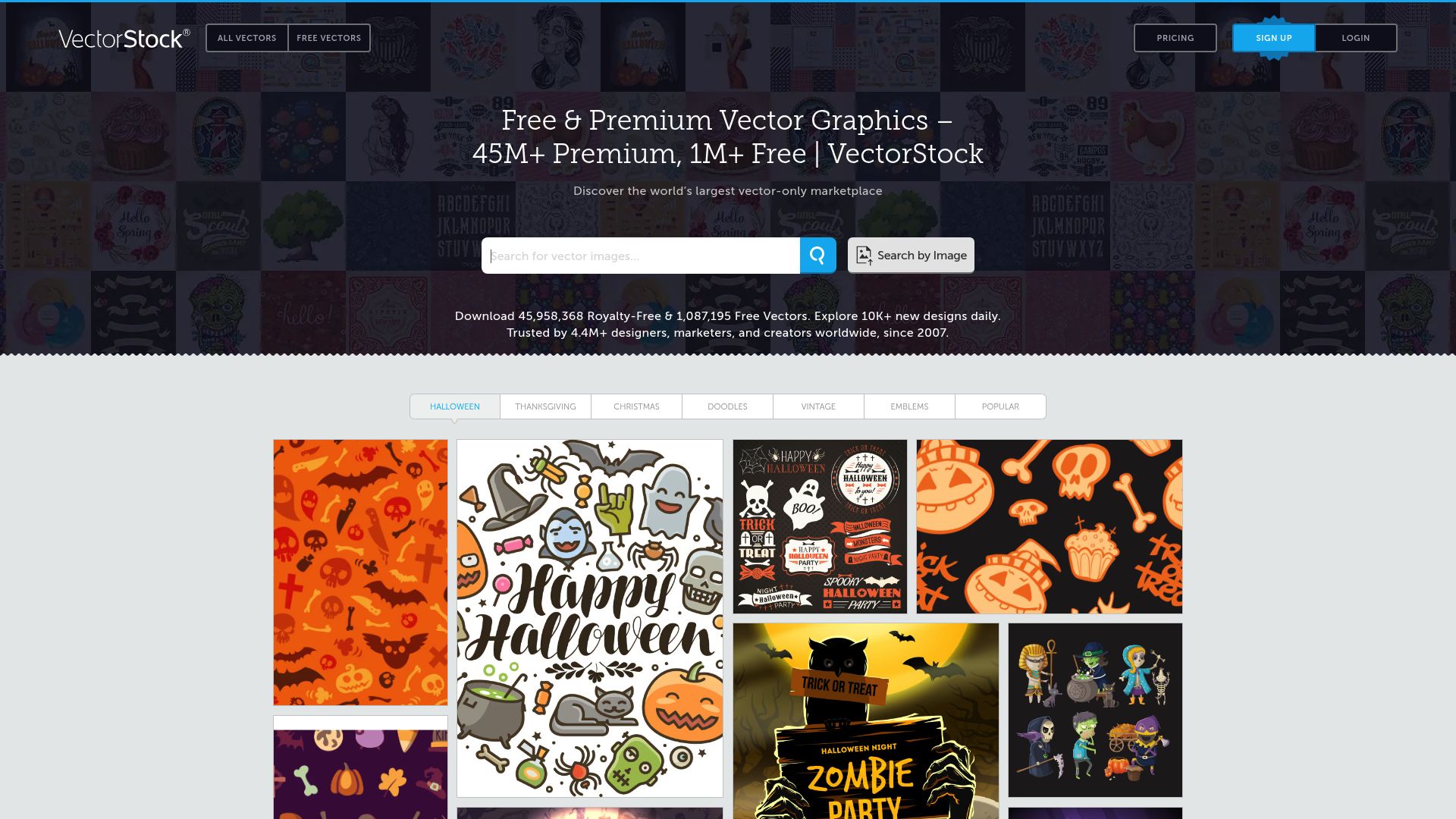
Tired of buying VectorStock graphics one at a time and losing track of what you own? Batch-download and organize your licensed vectors effortlessly.
Overview
Licensing vectors for client projects means hunting through VectorStock, buying and downloading illustrations one at a time, then trying to remember which ones are already in your files.
VectorStock Downloader streamlines the entire process. Browse collections, artist portfolios, or search results on VectorStock, select what you need, and batch-download everything as production-ready scalable files. Each file gets tagged with its vector ID so you can always trace it back to the original.
The duplicate tracker prevents you from paying for the same graphic twice. Vectors arrive ready for Illustrator, CorelDRAW, Affinity Designer, or any other tool. Everything happens locally in your browser. Works on Chrome, Edge, Firefox, Brave, and Opera.
Why It Exists
- Download scalable vector files from VectorStock in batch instead of purchasing and saving one at a time
- Get production-ready EPS, SVG, and AI files directly to your machine for immediate use in design software
- Track licensed vectors with auto-tagged file names using VectorStock's unique vector IDs
- Build organized offline vector libraries for print, web, and branding projects
Key Features
- Scans VectorStock search results, collections, and artist portfolios for licensed vector content
- Downloads vectors as production-ready EPS, SVG, or AI files that maintain full scalability
- Tags each file with VectorStock's unique vector ID so you can trace purchases back to invoices
- Artist portfolio export pulls an entire contributor's catalog of vectors in one batch
- Filters by vector category — illustration, clipart, icon, or pattern — before queuing downloads
- Duplicate detection tracks previously purchased VectorStock vector IDs to prevent double-buying
- Files arrive ready for immediate editing in Illustrator, CorelDRAW, Inkscape, and Affinity Designer
- Includes JPEG preview alongside the scalable vector file for quick visual reference
- Works with VectorStock's free vectors and premium licensed content based on your account access
- Handles VectorStock's per-vector and subscription pricing models without extra purchase steps
How It Works
- Install the extension: Add VectorStock Downloader to Chrome, Edge, Firefox, Brave, or Opera and complete the quick activation with your license key.
- Browse VectorStock: Navigate to any VectorStock search results page, collection, or artist portfolio while logged in to your account.
- Select vectors to download: Click the extension icon to scan the page for available vector illustrations, clipart, and icons. Select files individually or batch-select all.
- Choose format and download: Download in scalable formats — EPS, SVG, or AI. Files save locally with VectorStock vector IDs preserved, ready for Illustrator, CorelDRAW, or Affinity Designer.
Reviews
- Essential for packaging design work (5/5): I purchase VectorStock vectors for packaging label designs and this extension lets me batch-download an entire collection of food icons in EPS format. Saves hours of manual downloads. - Daniella Ruiz
- Vector formats always come through clean (4.9/5): The scalable format handling is perfect — every EPS and SVG comes through ready for Illustrator without any conversion issues. The batch queue is fast and reliable. - Werner Hofmann
- Streamlines print shop vector procurement (4.8/5): Our print shop licenses hundreds of VectorStock clipart per month. This extension and the duplicate detection feature have streamlined our entire asset procurement process. - Chioma Adeyemi
Platform Support
Browsers
- Chrome
- Edge
- Firefox
- Brave
- Opera
Operating Systems
- Windows
- macOS
- Linux
Supported Content
- Vector illustrations in EPS, SVG, and AI formats
- Clipart, icons, and pattern graphics
- JPEG preview images
- Batch downloads from search results, collections, and artist portfolios
Not Supported
- Safari and mobile browsers
- Premium vectors you have not purchased or licensed
- Watermark removal from preview images
- DRM-protected or restricted assets
Privacy and Permissions
Supported regions: Worldwide.
Limitations:
- You must be logged in to your VectorStock account to download licensed vectors.
- Only vectors you have purchased or licensed can be downloaded.
- Watermarked preview images cannot be converted to full-quality vector downloads.
- Available formats (EPS, SVG, AI) depend on what VectorStock offers per asset.
- Safari and mobile browsers are not supported.
- Download speed depends on your internet connection and VectorStock's servers.
- Email activation is required before first use.
Permissions:
- downloads: Saves licensed VectorStock vector files directly to your downloads folder and tracks batch download progress for each file.
- activeTab: Reads the current VectorStock page to detect available vectors, extract download URLs, and inject batch-download controls into search results and portfolios.
- storage: Stores licence activation, download history for duplicate detection, and user preferences between browser sessions.
- notifications: Sends desktop alerts when batch downloads complete or if a transfer encounters an error requiring attention.
Links
FAQs





Related

Community memberships end — save every Circle video, replay, and lesson as MP4 before your access disappears.

Markdown notes in your browser sidebar. AI writing assistant, voice transcription, cloud sync, live sharing. Works on any page.
Soundgasm has no download button. This extension adds one. Save audio tracks for offline listening with a single click.

Your team's Loom walkthroughs won't last forever. Download them as MP4 before links expire or workspaces change.

You paid for that Thinkific course — download every lesson as MP4 so the creator can never take it away from you.
Save streaming videos that normal downloaders can't touch — delivered as a clean MP4.