GoKollab Downloader
Workshop replays on GoKollab expire. Save lesson videos, images, and notes before your access runs out.
Overview
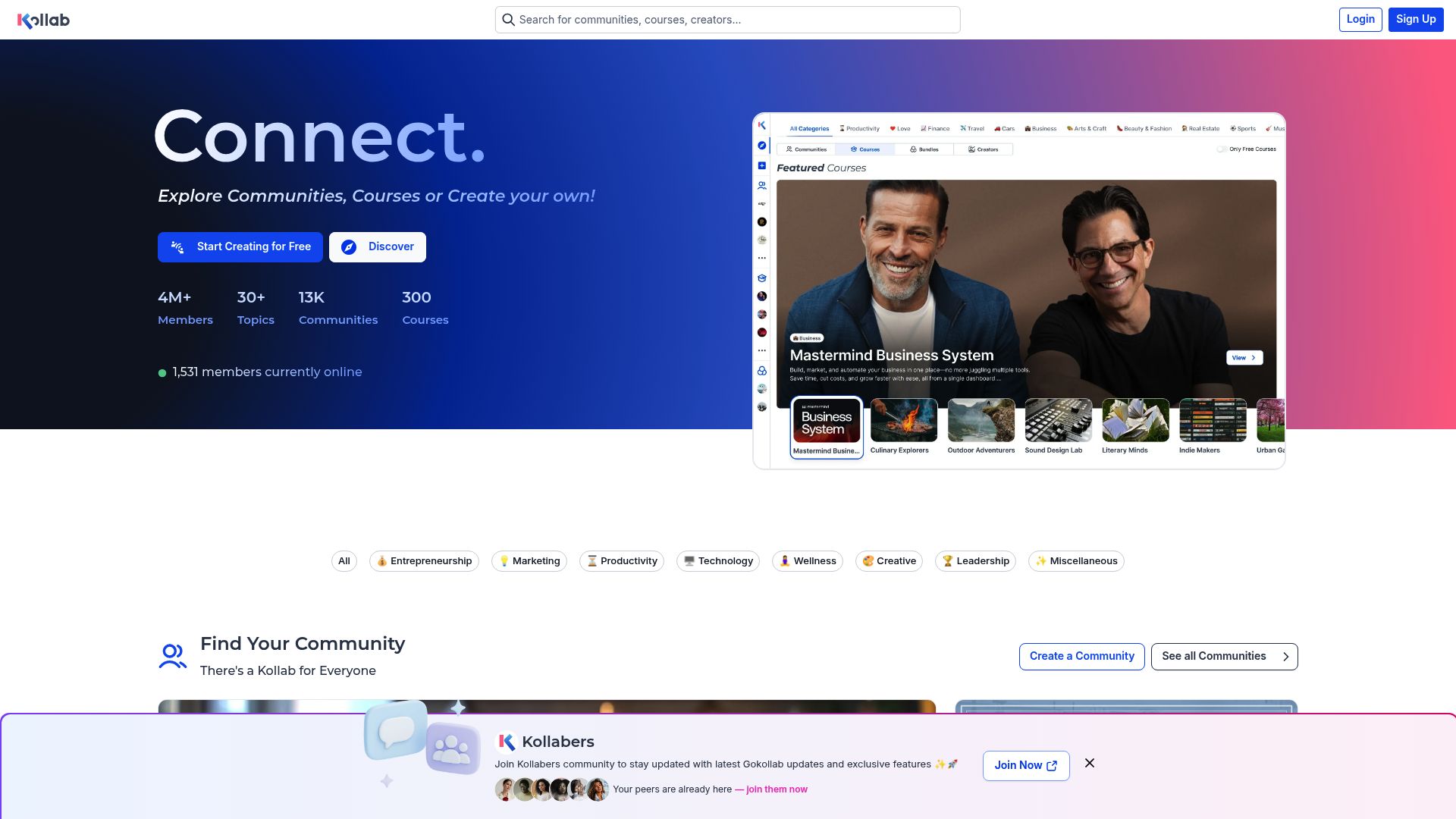
Workshop replays on GoKollab expire, team roles shift, and content you relied on last month can vanish before anyone saves it.
This extension saves everything a GoKollab lesson page has to offer, not just the video. It grabs videos, images, GIFs, and the written text from the page in one pass. Open a lesson, click the extension, and either pick specific assets or hit "Download Visible" to save the entire page. It works with Loom, Vimeo, YouTube, Wistia, and the portal's own player.
The extension only runs on actual GoKollab portal pages and ignores everything else. Downloaded files auto-save with smart naming so nothing gets overwritten, and all processing stays local in your browser. Three free downloads are included to get started.
Why It Exists
- Archive whole GoKollab lesson pages instead of saving videos and supporting assets separately.
- Keep offline copies of portal content for study, handoff, documentation, or field use.
- Use one tool for mixed embedded providers instead of switching between separate download workflows.
- Stay private because detection, extraction, and saving happen on your own device.
Key Features
- Scans GoKollab and compatible HighLevel-powered portal pages for videos, images, GIFs, and text in one pass.
- Separates detected assets into Videos, Images/GIFs, and Text tabs inside the popup for faster selection.
- Supports embedded Loom, Vimeo, YouTube, and Wistia video along with native portal video where available.
- Handles direct file downloads and HLS-based streams through the correct platform-specific workflow.
- Includes a 'Download Visible' action to bulk-save all detected assets from the current page.
- Uses platform gating so the extension stays inactive on unrelated sites and only runs on matching portal pages.
- Auto-saves downloads with conflict-safe naming instead of interrupting each job with a save dialog.
- Tracks progress in the built-in download manager while a few active jobs run in parallel.
- Uses secure email OTP activation with 3 free downloads before the paid subscription is required.
- Keeps media processing local in the browser with no asset upload to outside servers.
How It Works
- Install and activate: Add GoKollab Downloader to your browser and complete secure email OTP activation to unlock 3 free downloads.
- Open the lesson page: Visit a GoKollab or compatible HighLevel-powered portal page that contains video, images, GIFs, or text you are authorized to access.
- Scan and choose assets: Open the popup to review the Videos, Images/GIFs, and Text tabs, or use Download Visible to capture everything detected on the page.
- Save locally: The extension downloads and processes supported assets locally, then auto-saves the results using conflict-safe file naming.
Reviews
- Great for full lesson pages (5/5): We use it to archive lesson pages that mix video with screenshots and written steps. The asset tabs are the main reason it saves us time. - Damon Avery
- Bulk workflow is the standout feature (4.9/5): Our portal uses a mix of Loom and Vimeo plus a lot of visual assets. Download Visible makes the page-level workflow much faster than saving things one by one. - Priyanka Shah
- Focused on the right pages (4.8/5): I like that it only runs inside the actual portal and not on every site. That gating makes it feel more focused and less noisy. - Mateo Collins
Platform Support
Browsers
- Chrome
- Edge
- Brave
- Opera
Operating Systems
- Windows
- macOS
- Linux
Supported Content
- GoKollab and compatible HighLevel-powered portal pages
- Native portal video
- Embedded Loom, Vimeo, YouTube, and Wistia content
- Images, GIFs, and extracted page text
Not Supported
- Safari, Firefox, and mobile browsers
- Unrelated websites outside the gated portal environment
- Desktop notifications and context-menu workflows
- DRM-protected or inaccessible content
Privacy and Permissions
Supported regions: Worldwide.
Limitations:
- The extension only activates on GoKollab and compatible HighLevel-powered portal pages.
- You may need to press play before some video sources become detectable.
- Available video quality depends on the underlying source platform.
- Firefox, Safari, and mobile browsers are not the supported target here.
- There is no context-menu download workflow.
- Desktop notifications are not part of this product.
- You must already have permission to access and download the content.
- Email OTP sign-in is required to activate the free trial.
Permissions:
- downloads: Saves videos and other detected assets to your device and manages conflict-safe naming during auto-save.
- storage: Stores activation state, trial counters, scan results, and user preferences locally between sessions.
- activeTab: Checks whether the current page is a supported portal and reads the visible lesson assets from the active tab.
- tabs: Keeps the download manager aligned while you move between lessons or active portal tabs.
- scripting: Scans the page for supported video providers, images, GIFs, and text while applying the platform-gating logic.
- offscreen: Handles stream conversion in a hidden context so supported HLS-based assets can be assembled without freezing the page.
Links
FAQs



Related

Stop juggling a dozen download extensions. One tool handles 1,000+ sites instantly.

Save TikTok videos straight from your feed as MP4 — one click while you scroll, no shady websites, no copy-pasting links.

Snapchat content disappears by design. Save Stories and Spotlight videos before they are gone for good.
Need a YouTube thumbnail at full resolution? One click. No URL hacking, no guessing, no tiny previews.

Finally download Facebook videos, Reels, and Live replays — just click the button on any video and save the HD file to your computer.
Twitch deletes your VODs in 14 days. Save streams, clips, and highlights as MP4 before they are gone forever.