
Pexels Video Downloader
Pexels has amazing free stock footage. But downloading clips one at a time? Not amazing. Batch-save videos in HD and 4K instantly.
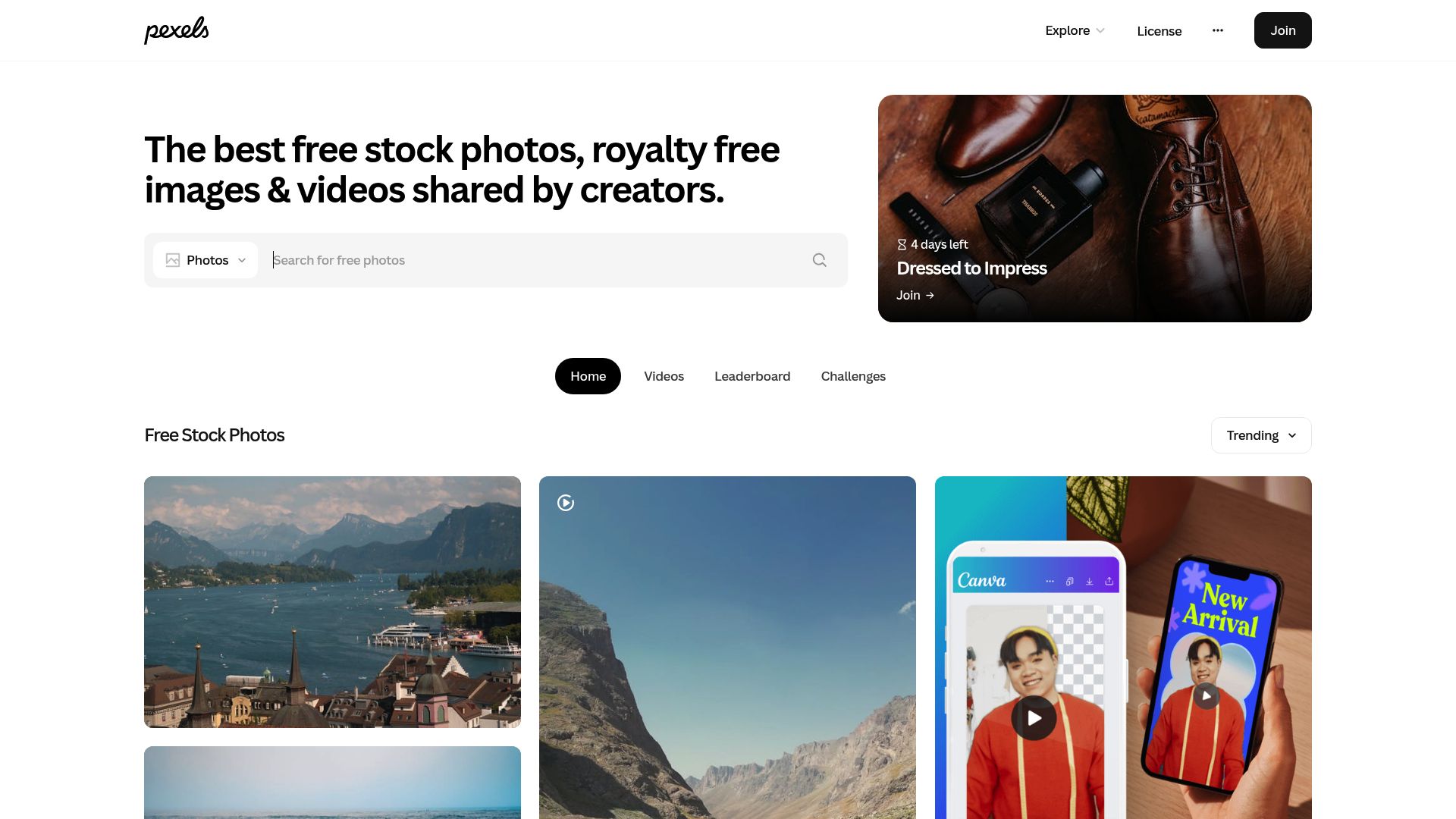
Overview
You found the perfect search results page on Pexels with 40 gorgeous stock clips for your project. Now you have to click each one, pick a quality, download it, go back, and repeat 39 more times.
Pexels Video Downloader adds the bulk download feature that Pexels is missing. Select clips right from search results or collections, pick your quality (HD, Full HD, or 4K) and download them all at once. Every file gets named with the creator's info and tags built in, so your stock footage library stays organized and attribution is easy.
Built for video editors, social media managers, and content creators who need an offline collection of free footage they can rely on. Works on Chrome, Edge, Firefox, Brave, and Opera.
Why It Exists
- Build a curated local stock footage library for offline access during video editing
- Save hours compared to downloading Pexels clips one at a time through the website
- Maintain proper creator attribution with metadata preserved in every filename
- Keep a backup of your favorite stock clips in case they are removed from Pexels
Key Features
- Bulk download multiple Pexels stock videos from search results and collection pages
- Choose between available resolutions including HD, Full HD, and 4K for each clip
- Preserve Pexels metadata (creator name, tags, dimensions) in filenames for attribution
- Download directly from Pexels search, popular, and curated collection pages
- Automatic file naming with resolution, creator, and category tags for organization
- Queue dozens of clips for batch processing with per-item progress tracking
- Preview file sizes before downloading to manage storage efficiently
- Support for landscape, portrait, and square aspect ratio stock footage
- Works on Chrome, Edge, Firefox, Brave, and Opera on Windows, macOS, and Linux
How It Works
- Install the extension: Add Pexels Video Downloader to your browser and it enhances Pexels search and collection pages with batch selection.
- Browse Pexels stock footage: Search for stock videos on Pexels.com and select multiple clips from the search results or curated collections.
- Choose quality and queue: Pick your preferred resolution (HD, Full HD, or 4K) for each clip and add them to the batch download queue.
- Build your local library: Clips download with creator attribution and tags in the filename, ready for video editing and content projects.
Reviews
- Bulk downloading from Pexels transformed my content workflow (5/5): I create social media content and need stock footage constantly. This extension lets me browse Pexels, select 30 clips from search results, and download them all in 4K while I work on other things. Massive time saver. - Alicia Moreau
- Metadata preservation makes organizing stock footage easy (4.9/5): The metadata in filenames is a small detail that makes a huge difference. I can search my local library by creator name or tag and find the exact clip I need. Much better than generic numbered filenames. - Grant Nakamura
- Essential for building offline stock footage libraries (4.8/5): I keep an offline stock footage library for client projects since I often work in locations without reliable internet. This tool lets me curate and download hundreds of Pexels clips organized by project theme. - Daniella Hartman
Platform Support
Browsers
- Chrome
- Edge
- Firefox
- Brave
- Opera
Operating Systems
- Windows
- macOS
- Linux
Supported Content
- Pexels royalty-free stock videos in HD, Full HD, and 4K
- Batch selection from search results and curated collections
- Landscape, portrait, and square aspect ratio footage
- Creator attribution metadata preserved in filenames
Not Supported
- Pexels Pro or partner-exclusive content with restricted licensing
- Pexels photos (this extension focuses on video)
- Safari and mobile browsers
Privacy and Permissions
Supported regions: Worldwide.
Limitations:
- Available resolutions depend on what the original videographer uploaded to Pexels.
- Batch downloads process sequentially, one clip at a time.
- Pexels license allows free commercial use but some content may have model release requirements.
- Very large batch queues (100+ clips) may take significant time to complete.
- Pexels site layout changes may temporarily affect batch selection functionality.
- Safari and mobile browsers are not supported.
Permissions:
- downloads: Saves downloaded stock video files to your local downloads folder.
- activeTab: Detects Pexels video pages and search results to add batch download functionality.
- storage: Stores quality preferences, download queue state, and completed download history locally in the browser.
- notifications: Sends a notification when batch downloads finish so you can continue browsing for more clips.
Links
FAQs



Related

Paying $499/year for Mindvalley? Keep every quest lesson on your computer so canceling never means losing your progress.

Download videos, images, and text from X (Twitter). Multi-source detection, bulk download. 3 free downloads included.

Your JustForFans subscription could end tomorrow. Save every video, photo, and post to your device while you still have access.

Save the OnlyFans content you're paying for before creators delete it or your subscription ends.

Your agency's ClientClub training videos could vanish when access changes. Download them as MP4 while you can.
Grab entire Unsplash collections at full resolution in one click — no more downloading photos one at a time through that annoying modal.