
Skool Video Downloader
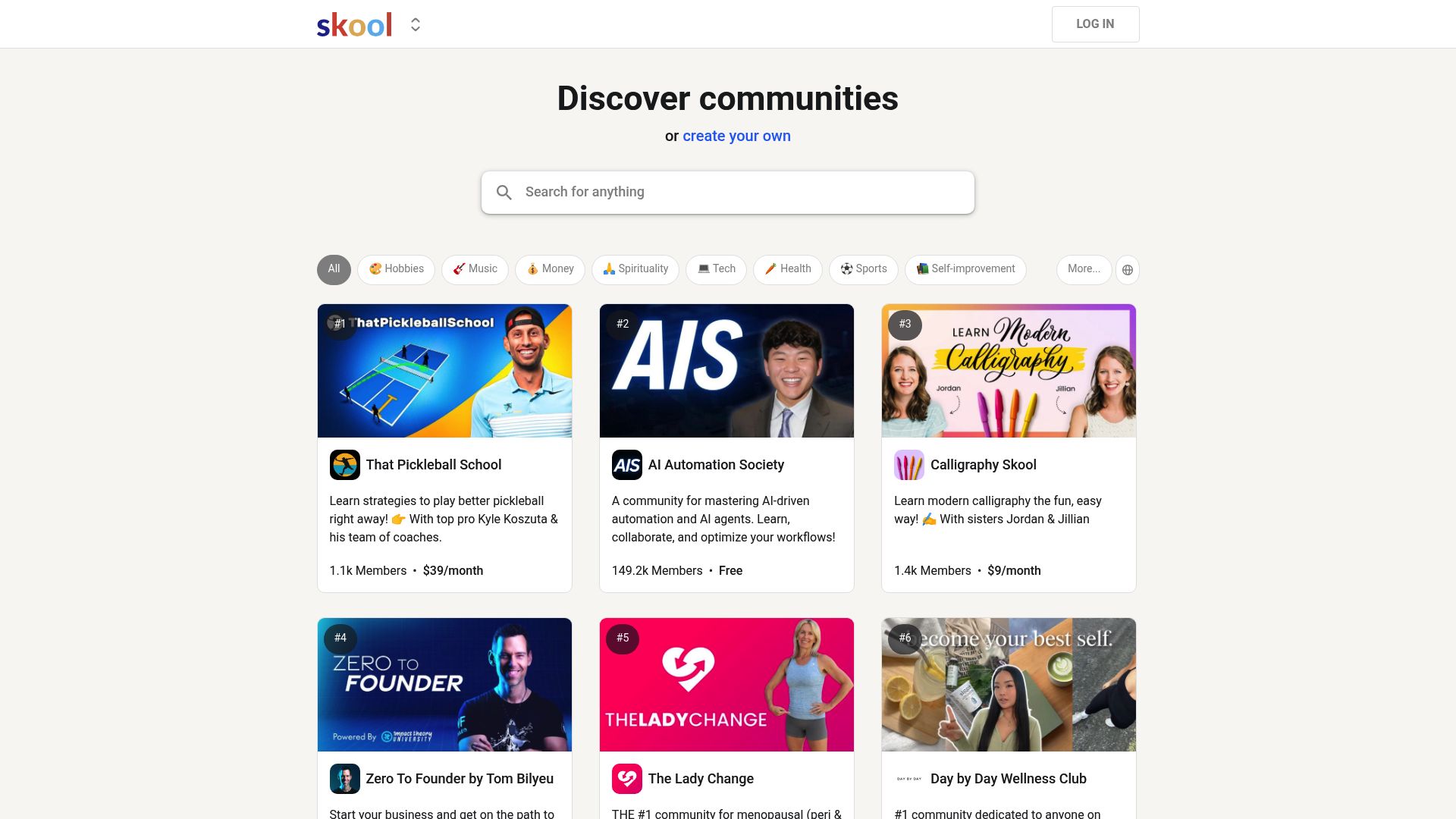
Your Skool cohort won't last forever — save every lesson and replay as MP4 before access disappears.
Overview
Skool cohorts close. Memberships expire. When they do, every lesson, replay, and community video you relied on vanishes overnight.
This extension fixes that. Open any Skool classroom lesson, community post, or course module, press play on the video, click the extension icon, pick your quality, and the full video saves as an MP4 straight to your computer. It works regardless of which video player the creator used. The extension handles all of them automatically, so you never have to figure out where the video is actually hosted.
Queue up to three downloads at once and watch progress in real time. Every file is processed inside your browser, meaning your videos never pass through outside servers. Try it free with 3 downloads, no credit card needed. Works on Chrome, Edge, Firefox, Brave, Opera, and more.
Why It Exists
- Archive Skool lessons and replays before cohorts or memberships end
- One extension handles every video platform on Skool — no need to install separate tools for Loom, Vimeo, YouTube, or Wistia
- Study offline during travel or low-connectivity periods without buffering
- Keep downloads private with all processing handled on your own device
Key Features
- Multi-platform video detection — automatically identifies Skool native (Mux), Loom, Vimeo, YouTube, and Wistia videos
- Downloads from Skool classrooms, community posts, about pages, and course modules
- Understands Skool's Next.js architecture — extracts video data directly from page props
- Quality selector showing all available resolutions per platform before you download
- Converts HLS streams to standard MP4 files entirely in your browser — no external tools needed
- Concurrent download queue supporting up to 3 simultaneous downloads
- Real-time download manager panel with progress bars, speed tracking, and cancel controls
- Member-only and private community content supported via your existing Skool login
- Auto-save as MP4 directly to your computer — no save-as dialogs
- Intelligent platform detection — auto-defers to Loom, Vimeo, YouTube, or Wistia handlers when embedded content is found
How It Works
- Install the extension: Add Skool Video Downloader to Chrome, Edge, Firefox, Brave, or Opera and sign into your Skool community normally.
- Open the lesson or post: Navigate to any Skool classroom lesson, community post, or course module with a video.
- Play the video: Start the video so the extension can detect the stream — it automatically identifies Loom, Vimeo, YouTube, Wistia, or Skool's native player.
- Choose quality and download: Click the extension icon, select your preferred resolution, and download. The video saves as MP4 directly to your computer.
Reviews
- Perfect for cohort replays (5/5): I grabbed every classroom replay before the cohort closed. Segment counters let me know how long each download would take. - Mariah Keene
- Works with private communities (4.9/5): My membership site locks lessons to members only. The downloader honoured my login automatically and the MP4 quality is flawless. - Theo Richter
- Offline study made simple (4.8/5): I travel often and need lessons offline. This keeps downloads private and never asks for extra credentials. - Ines Navarro
Platform Support
Browsers
- Chrome
- Edge
- Firefox
- Brave
- Opera
- Whale
- Yandex
Operating Systems
- Windows
- macOS
- Linux
Supported Content
- Skool Classroom Lessons
- Community Video Posts
- Course Modules
- About Pages
Detected Video Platforms
- Skool Native (Mux)
- Loom
- Vimeo
- YouTube
- Wistia
Not Supported
- Mobile browsers
- Safari
- DRM-protected content
- Live streams (wait for recording)
Privacy and Permissions
Supported regions: Worldwide.
Limitations:
- DRM-protected content is not supported.
- Live streams cannot be downloaded — wait for the recording to be available.
- Mobile and Safari browsers are not supported.
- You must press play on the video before the extension can detect the stream.
- You must already have access to the content. It does not bypass paywalls or permissions.
- Available quality depends on what the source platform and course creator uploaded.
- Requires email sign-in (OTP) for trial activation.
Permissions:
- downloads: Saves the finished MP4 to your downloads folder and keeps the progress tracker accurate for each video.
- storage: Stores licence activation, download manager state, and preferences locally so the extension stays ready between sessions.
- activeTab: Detects video players and embedded content on the tab you are viewing so the extension can identify the video platform and source.
- tabs: Allows the download manager to track active downloads across tab changes and restores state when you return.
- scripting: Injects multi-platform video detectors to extract stream manifests, quality variants, and page data from Skool, Loom, Vimeo, YouTube, and Wistia.
- offscreen: Converts HLS stream segments into MP4 files in the background using an offscreen document, keeping your lesson tab responsive.
Links
FAQs




Related

You paid for the course — keep it forever. Download full Udemy courses as MP4 videos you own, not ones that expire.

That course uses SproutVideo and there's no download button. Now there is. Save lessons as MP4 files.

Cancel your Whop membership and lose every video you paid for. Unless you download them first.

Keep Netflix shows and movies forever — download as MP4 before they expire or vanish from the platform.

Workshop replays on GoKollab expire. Save lesson videos, images, and notes before your access runs out.

Stop juggling a dozen download extensions. One tool handles 1,000+ sites instantly.